

Your club,
on the phone screen.
From the browser, students install the club as an app. With the White-label App, they download it from the App Store and Google Play.
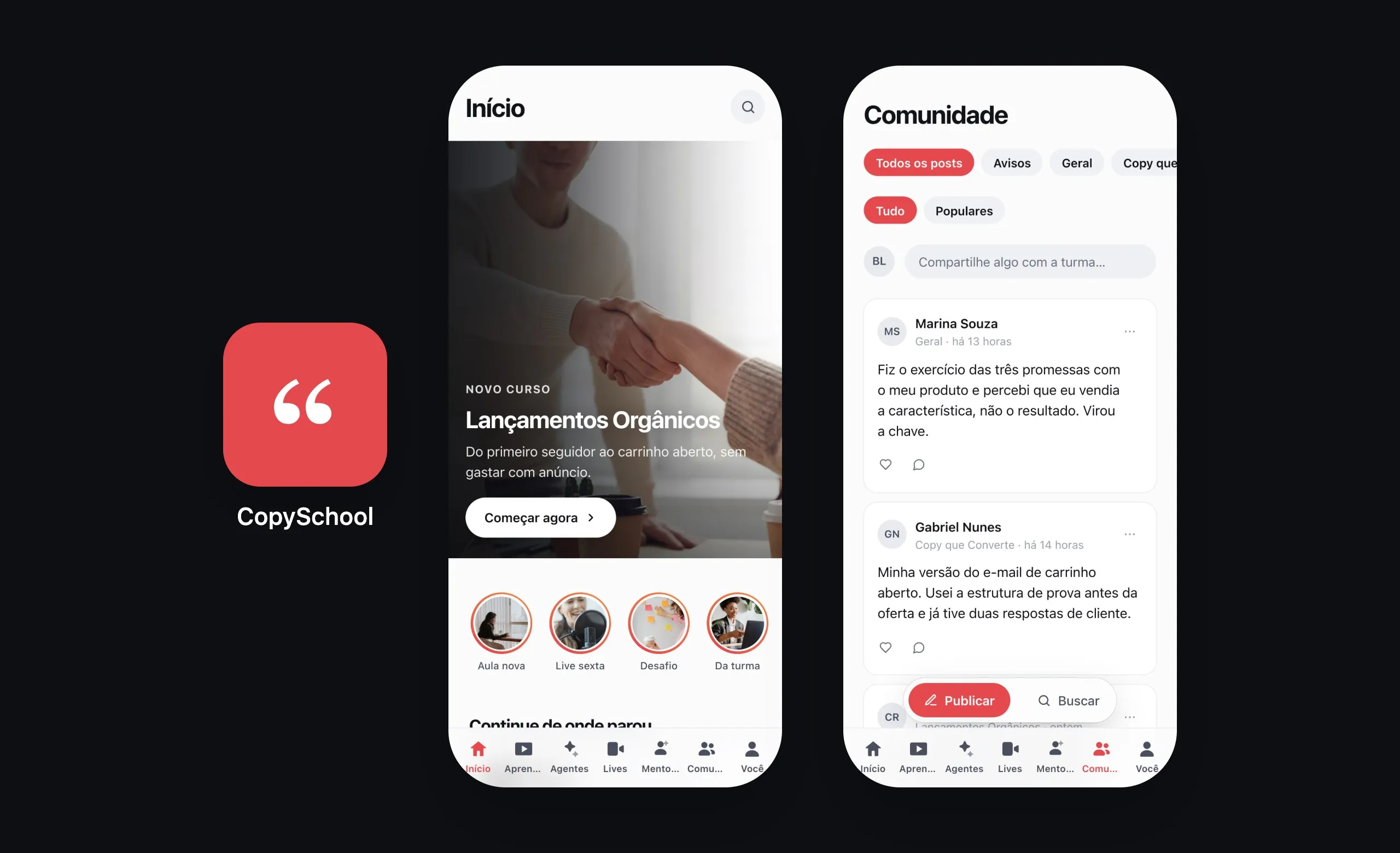
Installs from the browser.
Opens like an app.
The club becomes an icon on the home screen, with its own name and icon, and opens full screen, without the browser bar.
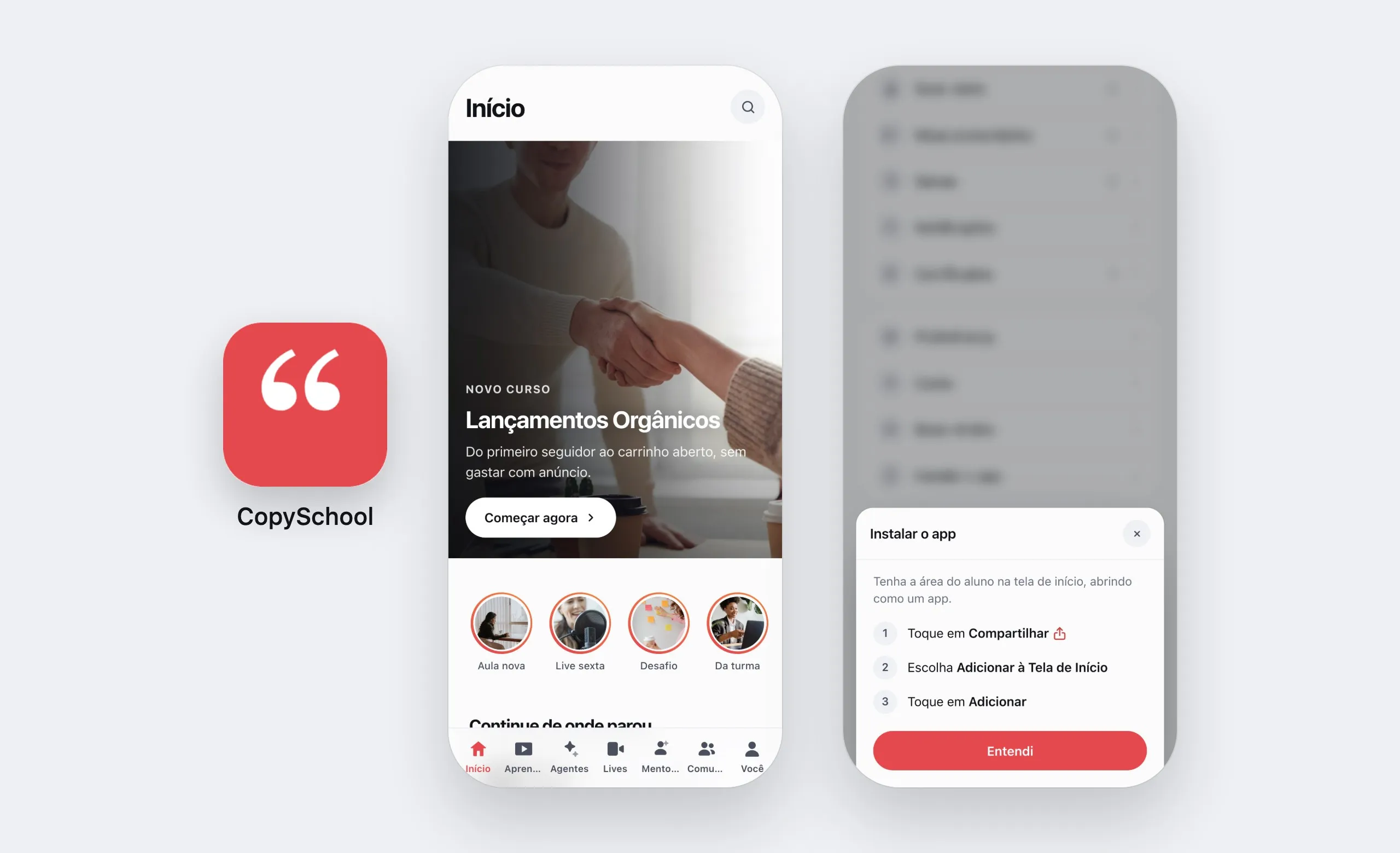
Looks like the club
Your club's name and icon on the home screen, opening without the browser bar.
One tap on Android
In Chrome and Edge, “Install the app” under You opens the browser's own prompt.
Step by step on iPhone
In Safari, the same line shows the way from Share to the home screen.
Notifications on the phone.
Lessons without internet.
The store app does what the browser can't: it sends notifications and keeps lessons on the device.
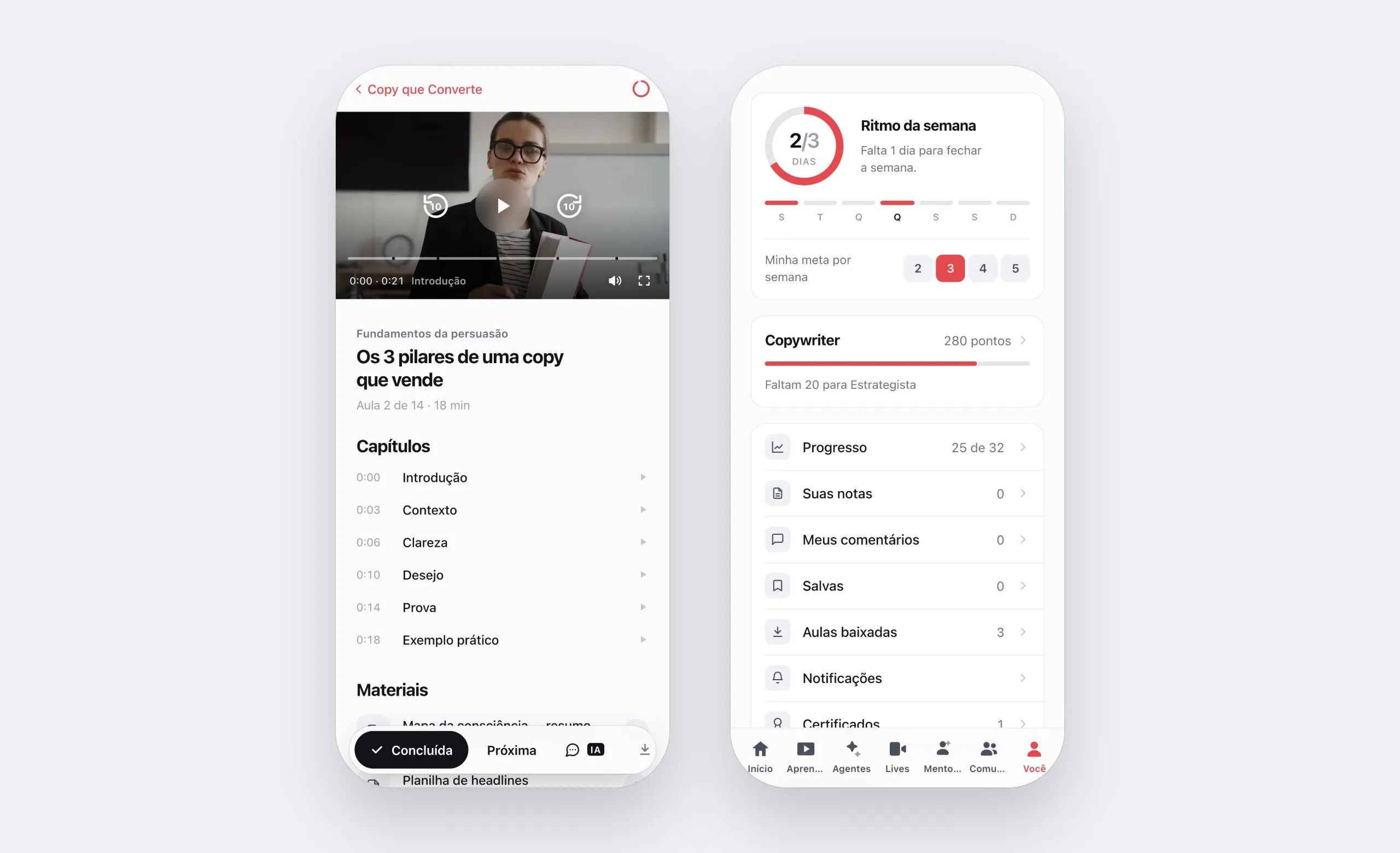
Notifications on the phone
Someone replied to a comment or mentioned the student, and the notification arrives. A tap opens the conversation.
Lessons without internet
Students download the lesson in the app and watch it on the subway or on a plane. It lasts 30 days, on one device per student.
Links open the app
A club link, in an email or a message, goes straight to the app for anyone who has it installed.
The whole club
Courses, community, lives, agents and mentoring: the entire members area, from day one.
You fill it in.
Weve publishes.
One screen in the dashboard with everything the stores ask for. When all nine items are ready, Weve builds the app and sends it to the stores.
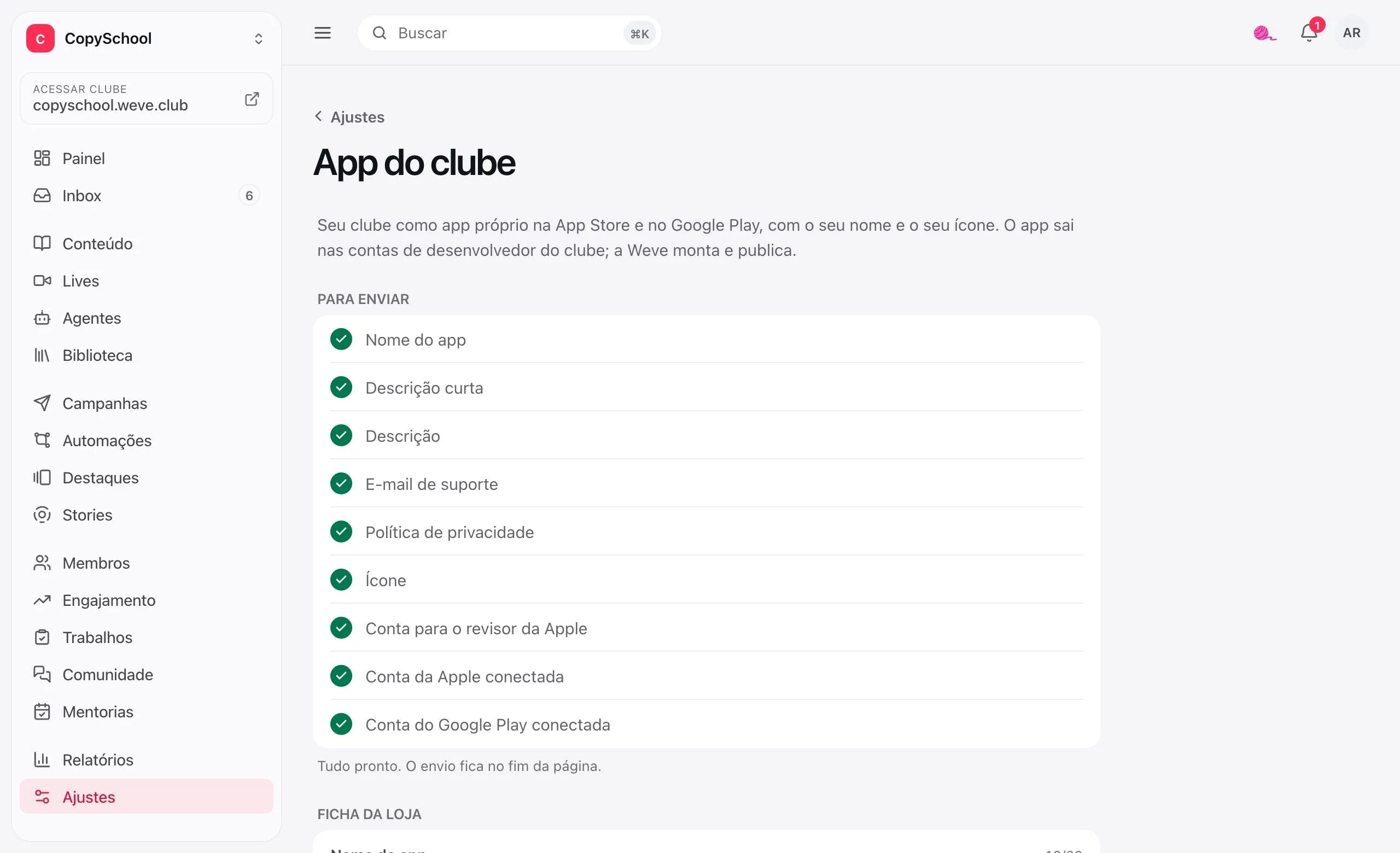
The store listing
Name, descriptions, keywords, support email and privacy policy, with each store's limits.
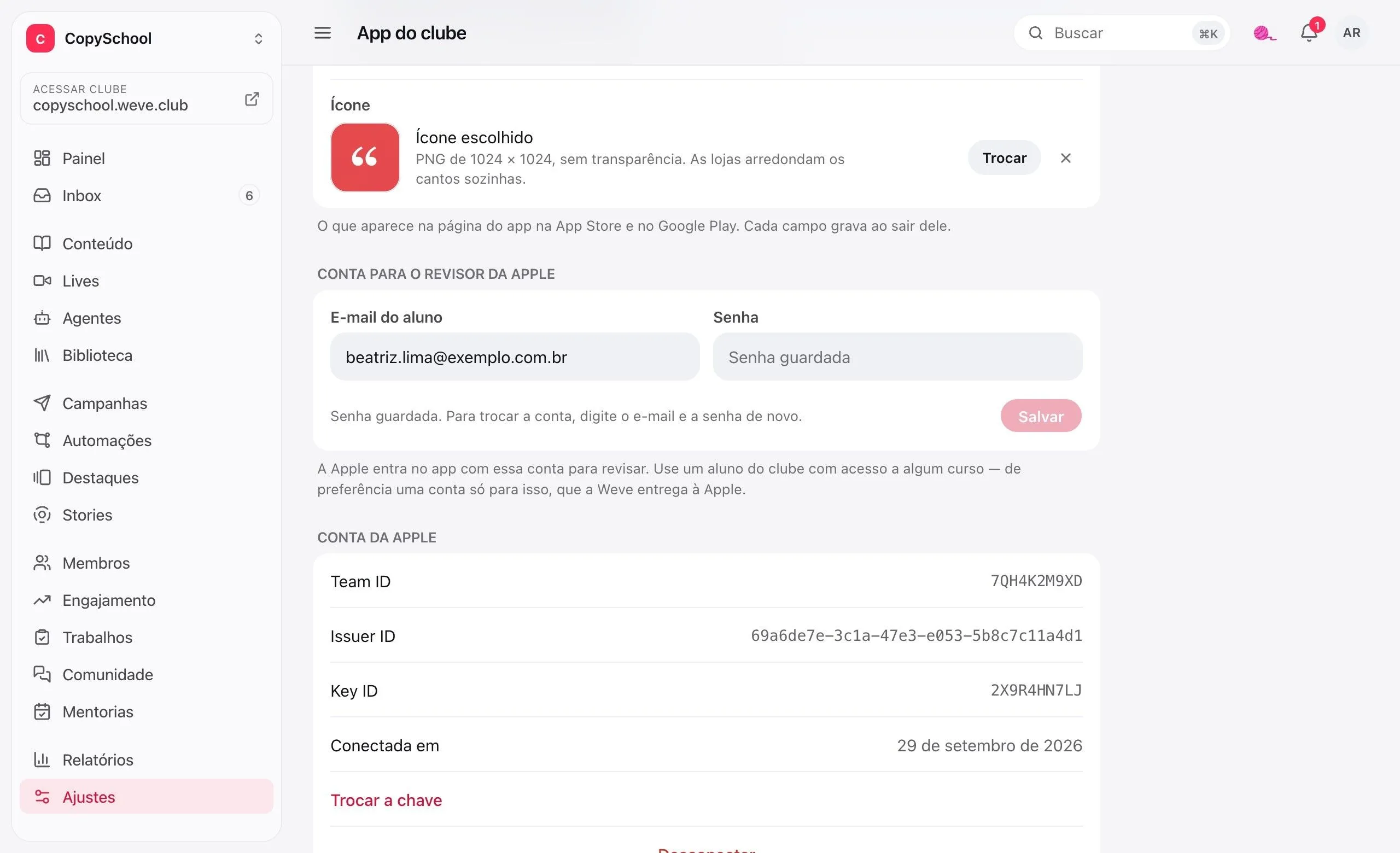
The icon, checked
A 1024 × 1024 PNG with no transparency. What the stores would reject is rejected here first.
A checklist that fills itself
Each item turns green when it's ready. With all nine, the request goes to Weve.
The app is yours.
So is the account.
The app ships under the club's developer accounts, with your company's name as the one responsible in the store.
Keys, tested
The App Store Connect key and the Google Play service account are checked with the store when you connect.
The Apple reviewer
A student of the club, with a verified password, so Apple can get into the app and approve it.
Stored encrypted
Keys and passwords are encrypted and never shown on screen again. To change them, connect again.
A club add-on.
The White-label App is an add-on, with setup and branding done by Weve. The price comes up in the conversation with the expert. The app installed from the browser already comes with the club.
Questions about the app.
Do I need the add-on to have the club on phones?
No. Students install the club from the browser and it opens like an app, with your name and your icon. The add-on is for being on the App Store and Google Play, with notifications and downloaded lessons.
Why is the app published under my club's account and not Weve's?
Apple only accepts content apps submitted by whoever owns the content. That's why both accounts belong to the club, opened as a company: Apple Developer costs US$99 a year and requires a D-U-N-S number; Google Play Console costs US$25, once. Weve builds the app and publishes it through them.
Do I need to publish a new version for every course?
No. The app opens the same members area as the browser, so new courses, new lessons and any change show up right away, without going through the store.
Do students buy courses in the app?
No. There's no sales link inside the app, because Apple requires its own in-app purchase for digital content. Sales stay on your page, and access reaches the app on its own.
What about my team — can they manage from their phones?
Yes, with the Weve app, which is a different app: the one for admins. With it your team answers in the Inbox, takes care of members and publishes stories. It comes with the club, no add-on needed.
Can every lesson be downloaded?
Video lessons hosted on Weve, once you turn on downloads in the settings — they start off. YouTube, Vimeo, SafeVideo and Panda Video don't download, and neither do lesson materials.
Your club's icon, on your students' phones.
Create the club and your class can install it from the browser right away. The stores come whenever you want.