

The conversation stays in here.
Spaces, posts and replies in the same club as your courses. No WhatsApp group and no rented social network.
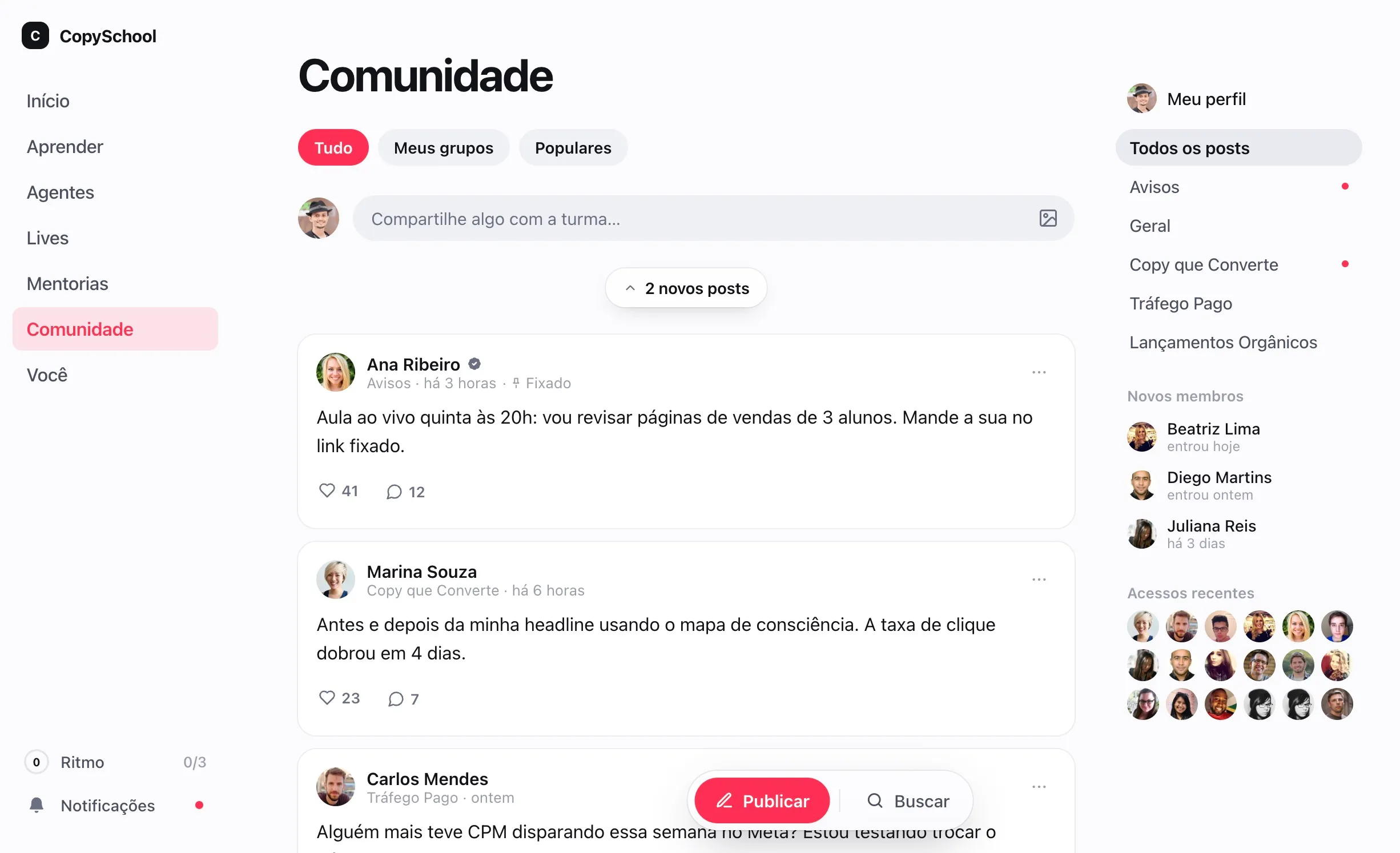
Every conversation
in its place.
Open to the whole community or private to those who bought a product. You create, order and archive them.
Spaces by topic
Announcements, questions, wins. Each conversation in its place, in the order you choose.
Private spaces
Only for those who bought a product: the mentoring group or the annual plan crowd.
Who's in there
Each space shows its members, from the newest arrivals to the longest-standing.
The old answer
is still there.
What the class asks today helps whoever arrives tomorrow. Nothing scrolls away in a group chat.
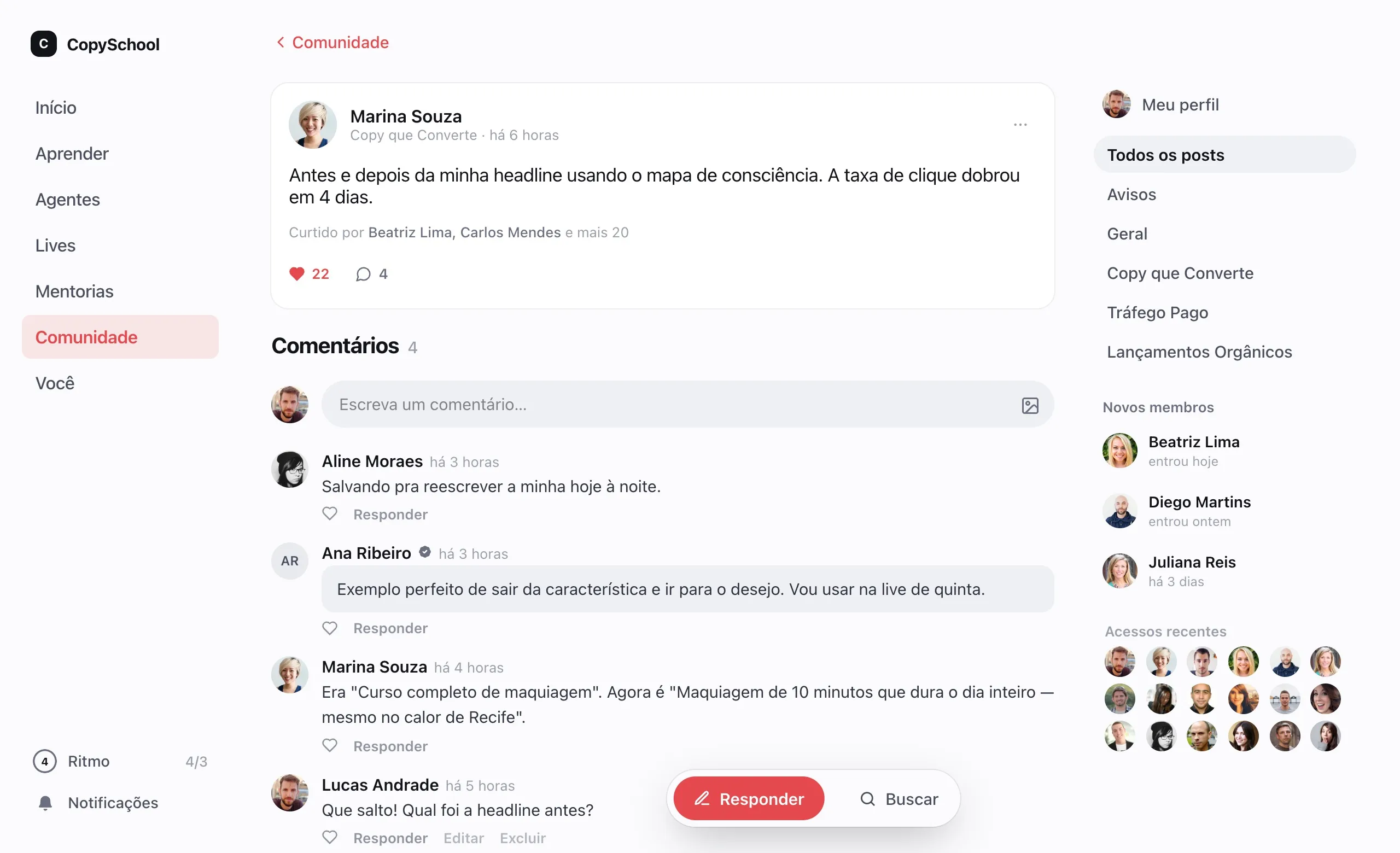
Posts with images
A title, formatted text and images, written like a note.
Replies and reactions
Students comment, react to replies and mention whoever they want to bring into the conversation.
Team badge
What your team posts shows up as official, without getting lost in the feed.
Pinned reply
The best answer rises to the top and saves the next question.
Present,
without the noise.
Each student chooses how they want to follow along. Your team sees everything in one place.
Mute a space
Students stop getting notified about a space without losing access to read it.
Email digest
Those who prefer get a space's updates in a single email.
All in the Inbox
Community comments land in the team's inbox, next to the questions from lessons.
Comes with the club.
The community isn't an add-on, and there's no limit on spaces or posts.
Questions about the community.
Do I pay extra for the community?
No. The community comes with the club, with no limit on spaces or posts.
Does buying a course get someone into the community?
You decide. The community and each private space are deliverables, just like a course: they open for those who bought the product that includes them.
Can I use the community without any course?
Yes. A club can be just a community, and the sale grants entry the same way it would grant a course.
Bring your class into your club.
Create the community, open the first space and publish the welcome post.