

Live, in your club.
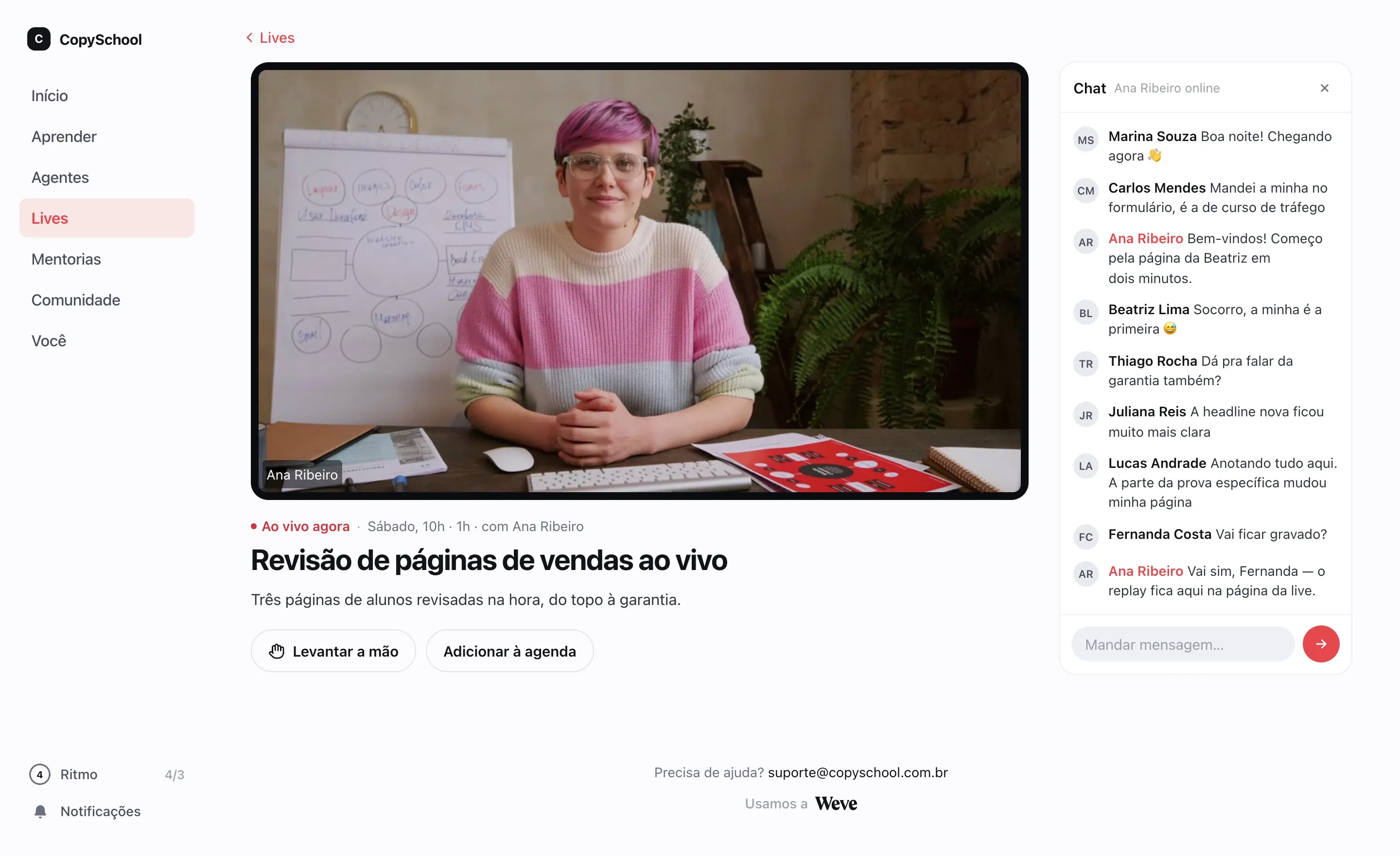
Streaming with chat, stage and recording inside your members area. Students never leave for another app.
You lead.
The class joins in.
From the browser, no streaming software. Chat, raised hands and the stage sit right next to the video.
Camera and screen
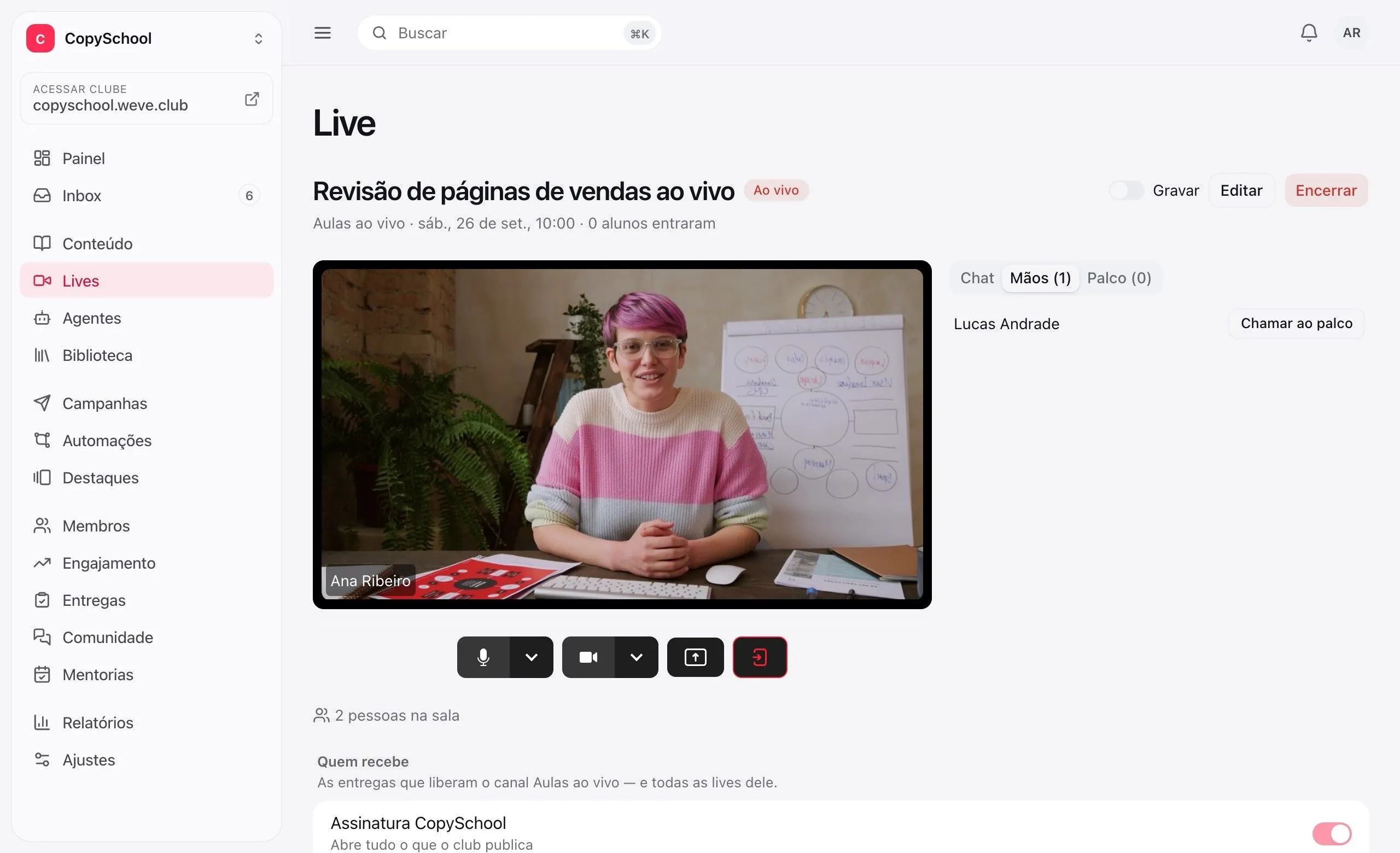
Stream from the browser and share your screen to show what you're explaining.
Raised hands
Students ask to speak and you bring them on stage, with camera and mic.
Moderated chat
Hide a message in one click. A student muted in the club stays quiet here too.
Recording
Turn it on before or during the live. The recording becomes its replay.
The class knows
when it is.
Upcoming lives sit in the student's area, and email gives a heads-up beforehand and when it starts.
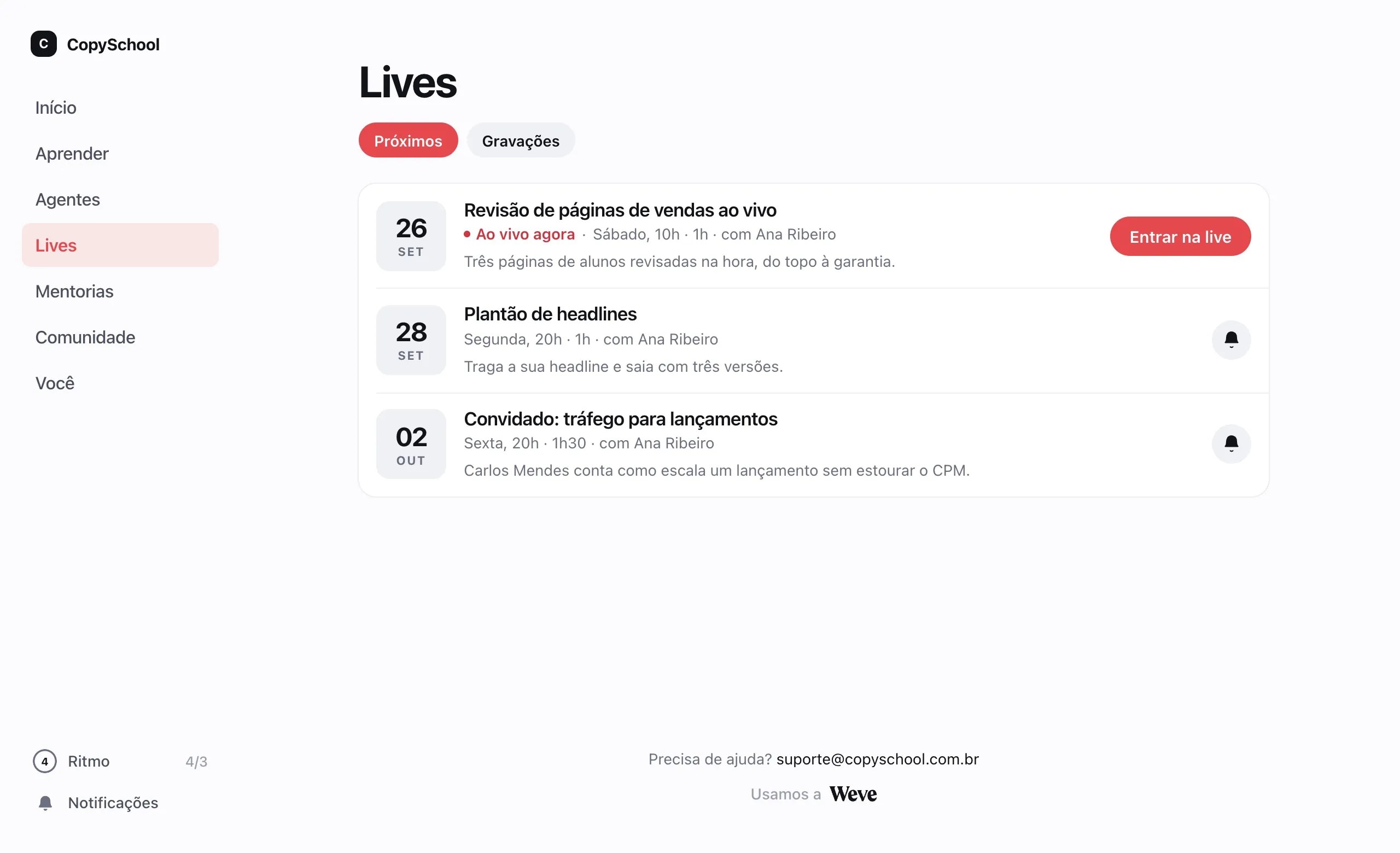
A reminder one hour before
And a heads-up when the live starts, in the student's email and from your sender.
On the student's calendar
One click adds the live to the calendar they already use.
Only those with access
Each live channel is delivered like a course: to the whole class or to those who bought it.
Missed the live?
There's a replay.
The recording goes back to the live's page, for whoever couldn't be there.
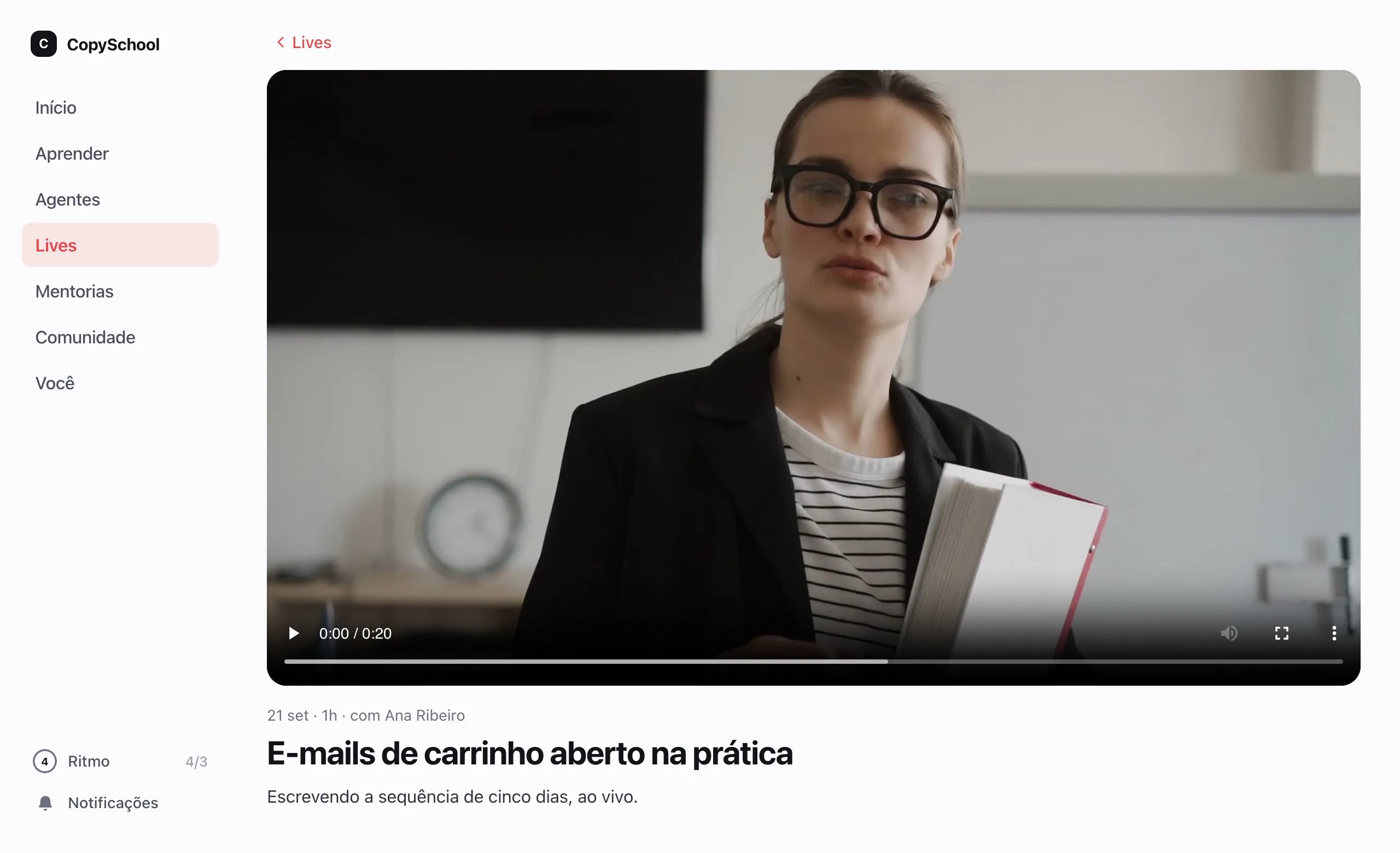
Replay on the same page
Whoever missed it watches later, at the same address as the live.
In your library
The recording goes into the media library, so you can use it in a lesson too.
Private, like the live
The replay belongs to whoever has access to the channel — it never becomes a public link.
YouTube, Vimeo or Zoom.
On the same schedule.
Use the streaming you already have: the live shows up in the club, with the same reminders.
YouTube and Vimeo
The stream shows up inside the club, on the live's page.
Meeting link
Zoom, Meet or whatever you already use: students join through the live's button.
The same schedule
Email reminders and heads-ups for outside lives too, at no extra cost.
A club add-on.
Weve's room, with chat, stage and recording, is an add-on. The price comes up in the conversation with the expert.
Questions about lives.
Do students need to install anything?
No. The live happens in the browser, inside the club, on a computer or a phone. Whoever presents streams from the browser too.
Can I use YouTube or Zoom?
Yes. Lives on YouTube, on Vimeo or on a meeting link go into the same schedule, with the same email reminders, without the add-on. The add-on is for Weve's room, with chat, stage and recording.
Who can watch?
Whoever has access to the live's channel. You deliver the channel the way you deliver a course: to every student, to one class or to those who bought a product.
Can I turn off the emails?
Yes, in the club's settings. And students can skip the reminder for a specific live and still get the ones for the next lives.
Your next live is here.
Create the channel, set the date and the class gets the heads-up.